CARE HOME MANAGEMENT SOFTWARE

Care home management software built around the record, not the paperwork

CareCommandOS is care home management software for UK providers. Residents, care plans, risk assessments, audits, incidents, staff compliance, documents and governance live in one connected record — for a single home or an operator with dozens.

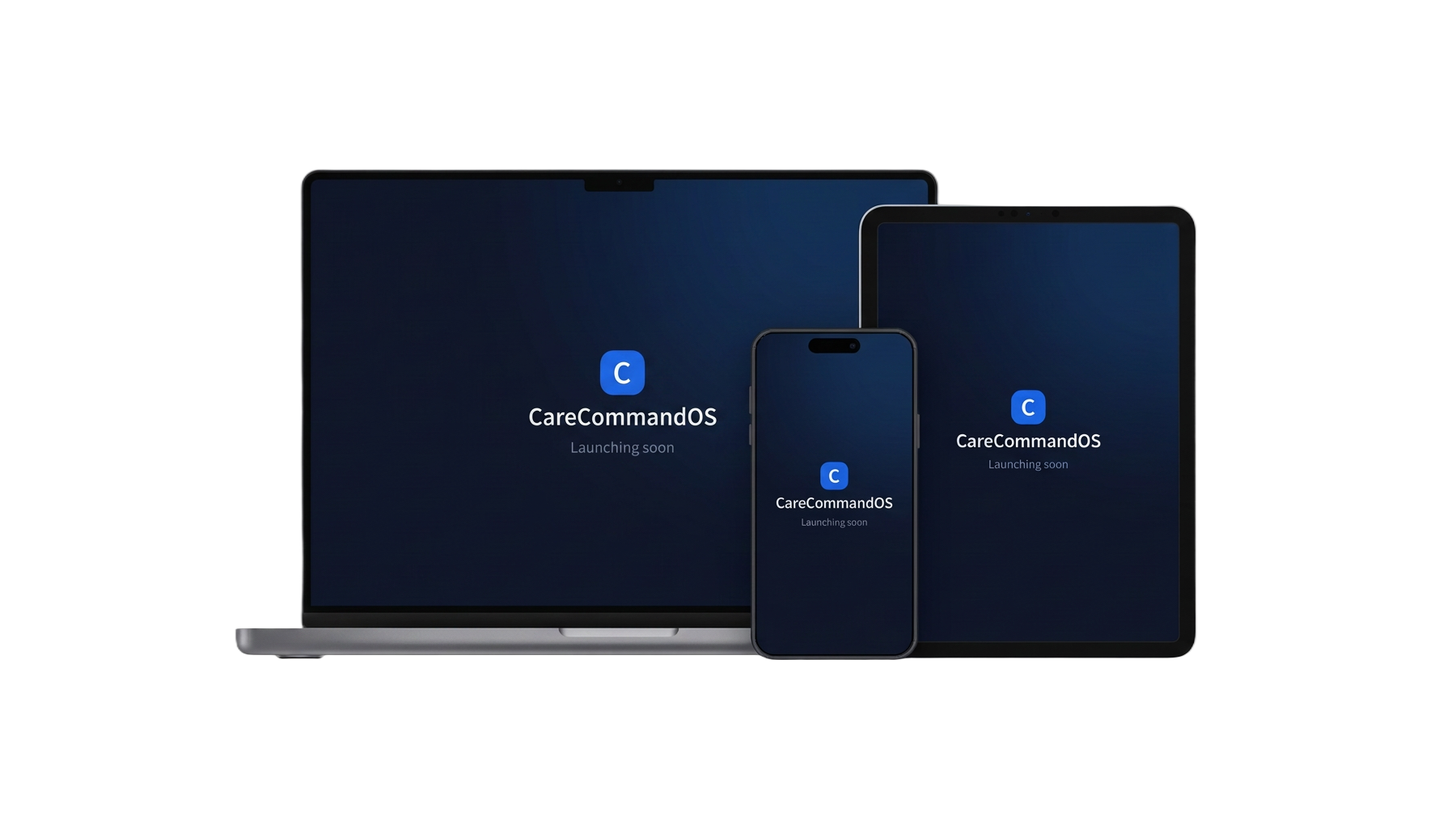
CareCommandOS care home management software on a laptop, tablet and phone (example data)

Screens shown with example data only.

Why most care homes end up running on five systems

Very few services set out to work this way. Care plans go into one system because it came with the electronic care records. Audits are run on paper or in a spreadsheet because the templates had to match the way this home works. Staff files sit in a cabinet or a shared drive. Actions live in a notebook, a group chat and somebody’s inbox. Every part of it is reasonable on its own.

The cost only shows up later. A risk assessment is updated but the care plan is not. An audit finding is agreed in a meeting and never closed. A training certificate expires quietly. And when an inspection is announced, somebody spends a fortnight assembling evidence that already existed — it was simply never joined up.

CareCommandOS closes those gaps by keeping the whole picture in one record. Nothing has to be copied between systems, because there is only one place a fact is written down.

Resident record showing care plans, risk levels and review dates (example data)

WHAT THE SYSTEM COVERS

Everything a manager is accountable for

Residents and care plans

Every resident has one record: personal details, care plans by category, risk assessments, reviews, daily notes and photographs. Because the plan and the risk assessment sit in the same record, a change in one is visible to anyone reading the other, and review dates are chased for you rather than tracked on a wall planner.

Audits and actions

Build your own audit templates, score them automatically, and turn every finding into a task with an owner and a date. Actions are not a separate spreadsheet — they are attached to the audit that raised them and stay open until someone verifies the work.

Incidents and governance

Incidents are progressed step by step, from first report through investigation to lessons learned, and roll up into governance indicators you can take to a quality meeting. Falls, safeguarding concerns and medication errors are counted once, from the record itself.

Staff compliance

Training, competencies, supervisions, warnings and documents with expiry tracking and chase-up tasks. Certificates can be photographed on a phone and filed against the right person in seconds, and expiring items appear before they lapse rather than after.

Documents and evidence

Policies, certificates and contracts are stored against the record they belong to, with expiry dates where they matter. When evidence is asked for, it is already assembled: nothing has to be rebuilt from folders and email attachments.

One home or a whole operator

A single service uses CareCommandOS exactly as a group does. Operators add care homes underneath one operator account, so senior teams see across every home while managers and staff only see the homes they were invited to.

What to look for when comparing care home software

Most systems demonstrate well. The differences appear in the ordinary week, so these are the questions worth asking of anything you are shown.

  • Does a finding become work? An audit that produces a score and nothing else moves nobody. Findings should become tasks with an owner, a date and a verified closure.
  • Is evidence attached, or filed? Evidence stored in a general document library still has to be found again. It should sit on the audit, incident or staff record it proves.
  • Can it be used at the bedside? If a system only really works on the office computer, records get written up hours later from memory. The same permissions and records should work on a phone.
  • Who can see what? Access should follow the role, not the job title typed into a box, and should be scoped to the homes a person actually works in.
  • What happens to closed records? Retention is a legal obligation, not a tidy-up. Archived records should be held read-only and removed automatically once their period has passed.

See it with your own way of working in mind

A short demo walks through a resident record, an audit and the governance view, using example data. Accounts are invite-only, so nothing is set up until you decide to go ahead.